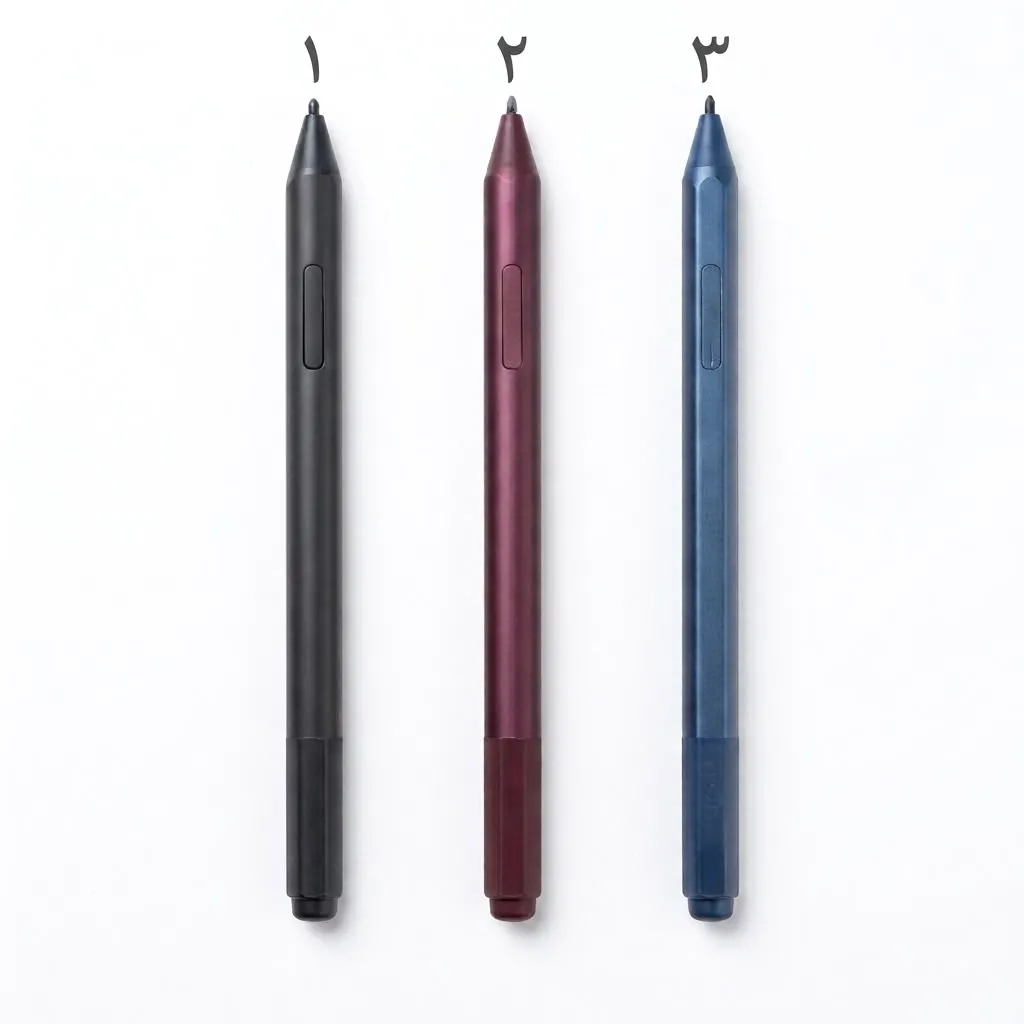
| Specification | Details |
| Model | Microsoft Surface Pen |
| Compatible Devices | Compatible Microsoft Surface devices (such as Surface Pro, Surface Laptop Studio, Surface Go, and Surface Book) supporting pen and inking features |
| Charging Method | Charges wirelessly by docking in the designated charging slot on compatible Surface Pro keyboards, or magnetically on the back of Surface Pro / Surface Laptop Studio, or via a separate Surface Slim Pen charger base |
| Bearing Capacity | Durable and reliable design for continuous daily use and intensive note-taking |
| Surface Technology | Comfortable surface with a precise pressure-sensitive tip (up to 4,096 pressure levels) and haptic feedback support on newer editions |
| Rotation / Height Adjustment | Extremely high precision, instantaneous movement tracking, and tilt support for shading |
| Sizes | Slim and ergonomic design resembling a real pen for easy handling and use |
| Weight | Lightweight (approx. 13 to 31 grams depending on the edition) |
| Features | Customizable side buttons, top button functioning as an eraser, ultra-low latency, and full Windows pen input software support |
| Note | Select the required pen number upon ordering |